Copy text.
Hear it spoken.
SuperUtter is a native macOS menu bar app that reads your clipboard — and your Claude Code responses — aloud with AI-powered text-to-speech. Just copy, hotkey, listen.
v0.2.1 Beta · macOS 15 Sequoia+ · Apple Silicon · .dmg
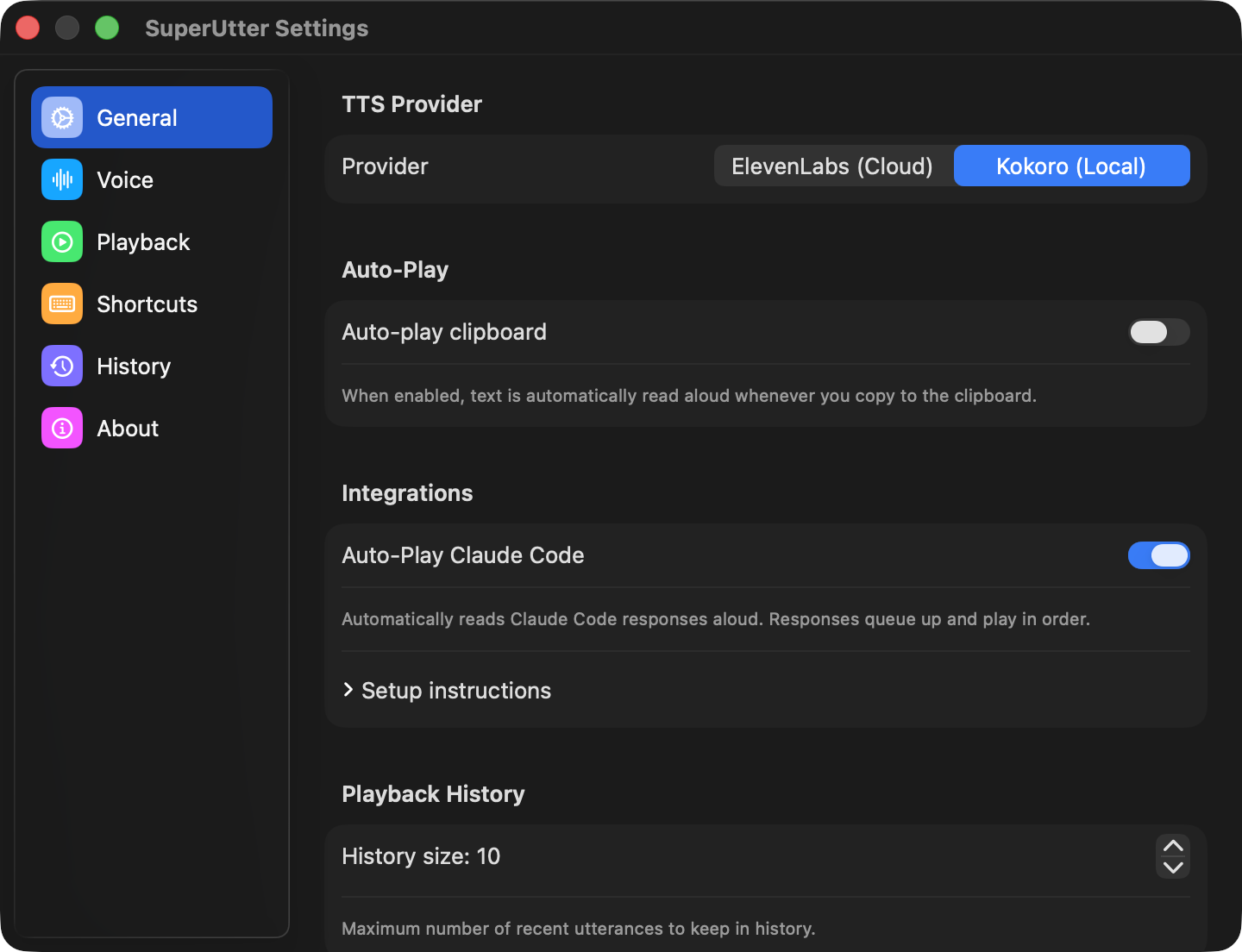
See it in action
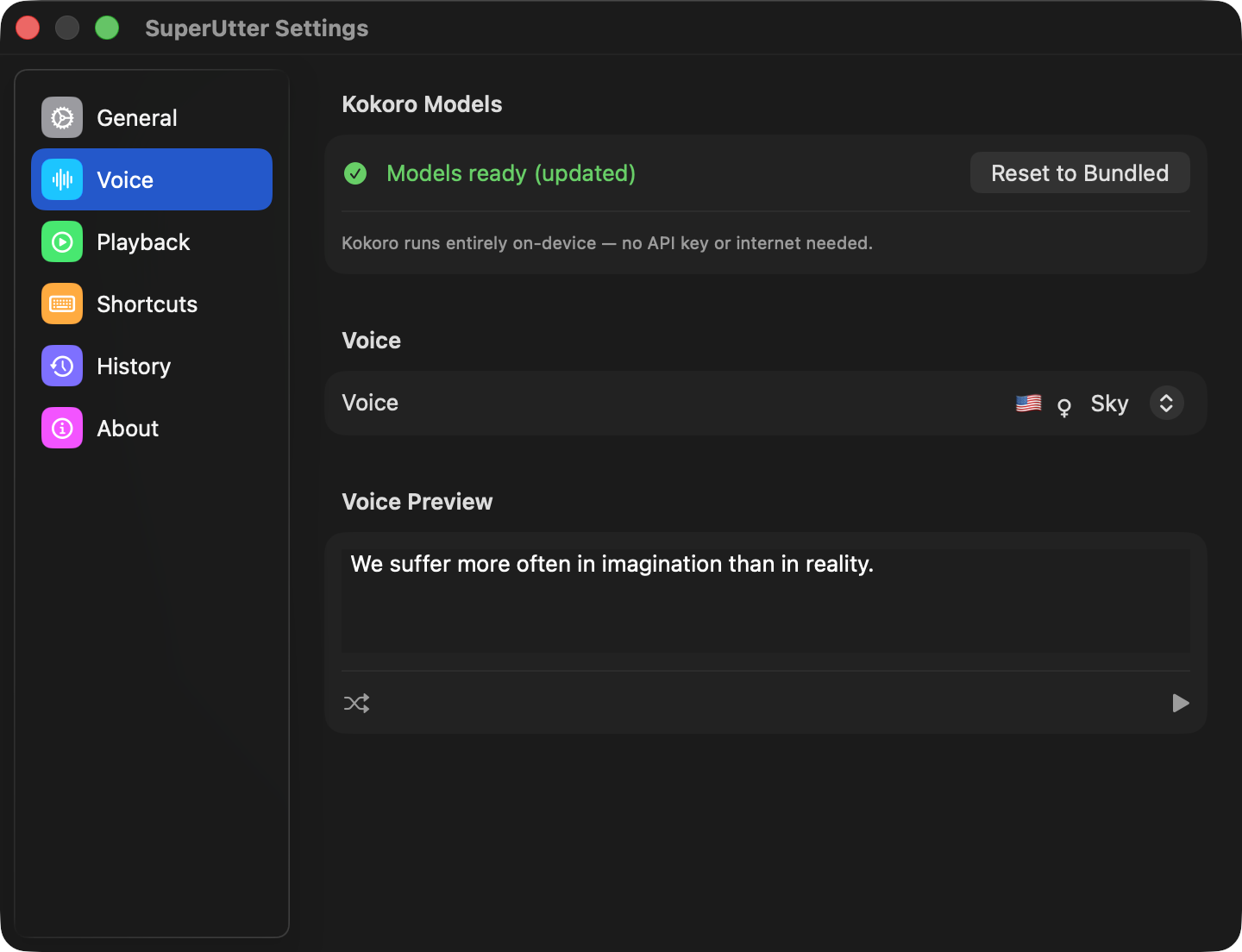
Voice selection
Hear any text, your way
Cloud or local TTS, Claude Code integration, searchable history, global hotkeys — all from the menu bar.
Two TTS engines
ElevenLabs for premium cloud voices with speed and stability controls, or Kokoro for fully local CoreML speech with 50+ voices — no internet needed after a one-time ~99 MB download.
Lives in the menu bar
A native macOS menu bar app — no Dock icon, no windows to manage. Always one click or hotkey away.
Floating playback overlay
A draggable controls-only overlay with play/pause, skip, speed controls, and a seekable progress bar. Choose Classic, Mini, or no overlay.
Global hotkeys
Seven configurable shortcuts — read clipboard, pause/resume, toggle auto-play, skip forward/backward, and sentence navigation — all usable from any app.
Secure by default
API keys stored in macOS Keychain. Kokoro runs entirely on-device — your text never leaves your machine.
Auto-play clipboard
Enable auto-play and SuperUtter reads text aloud the moment you copy it — no hotkey needed. Toggle on or off with ⌃⌥A.
Claude Code integration
A one-line Stop hook pipes Claude Code's assistant replies into SuperUtter via a superutter:// URL scheme. Markdown is stripped, new responses queue — no interruption mid-sentence.
Playback history
Every utterance — clipboard reads and Claude Code responses — is saved to disk. Search, expand to full text, replay, copy, or delete anything from the History tab.
Built with your input
SuperUtter is shaped by its users. Vote on features, suggest ideas, and follow what's coming next.
Vote on features
Suggest ideas
Track progress